Xiaohongshu Download Slow? Use VIP Fast Download
Use VIP Fast Download for a Xiaohongshu video note or VIP Fast Package Download for an eligible photo note.
Xiaohongshu Download Slow? Use VIP Fast Download
Xiaohongshu (RED) notes often combine a cover, a video, and a sequence of detail photos. That makes a photo-heavy note different from a single video note. After parsing a public link, eligible VIP members can use VIP Fast Download for the video they need, or VIP Fast Package Download to save an eligible group of note images together.

Choose by note format
- Video note: select VIP Fast Download beneath the video resource.
- Image note: select VIP Fast Package Download to handle its image set as one package.
Steps
- Copy the public Xiaohongshu note link.
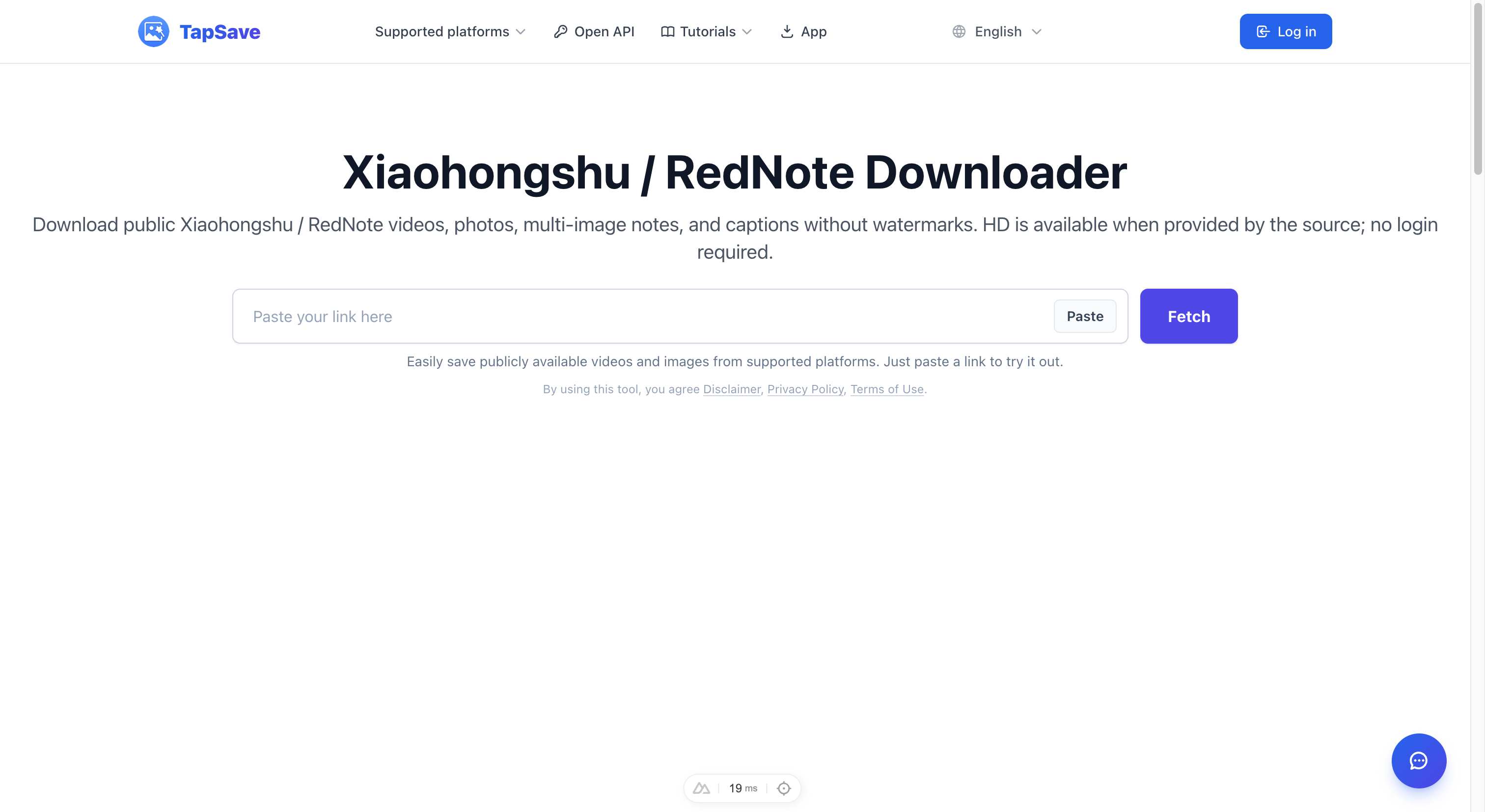
- Paste it into TapSave Xiaohongshu Downloader and select Fetch.
- Identify whether the result is a video note or an image note.
- Select the appropriate VIP action and save the delivered file.
This feature is for eligible VIP accounts and publicly available content.
Continue with TapSave
Open the matching downloader or continue with a related browser tool.
More Tutorials
Xiaohongshu / RedNote notes Open API Integration Guide
Use the TapSave Open API to parse a public Xiaohongshu / RedNote notes link and handle the returned media resources in your application.
Xiaohongshu / RedNoteHow to Download Xiaohongshu (RED) Photos and Videos Free
Complete guide: Download Xiaohongshu (RED) notes, photos and videos in HD quality without watermark using TapSave. Works on mobile and desktop.
Xiaohongshu / RedNoteHow to save Xiaohongshu (RedNote) videos and photos: Step-by-Step Guide
Learn how to save public Xiaohongshu (RedNote) videos and photos content with TapSave, what to check before downloading, and why available results can vary.
TutorialDouyin Download Slow? Use VIP Fast Download
Use VIP Fast Download for an eligible Douyin video or VIP Fast Package Download for a photo collection.