X (Twitter) Download Slow? Use VIP Fast Download
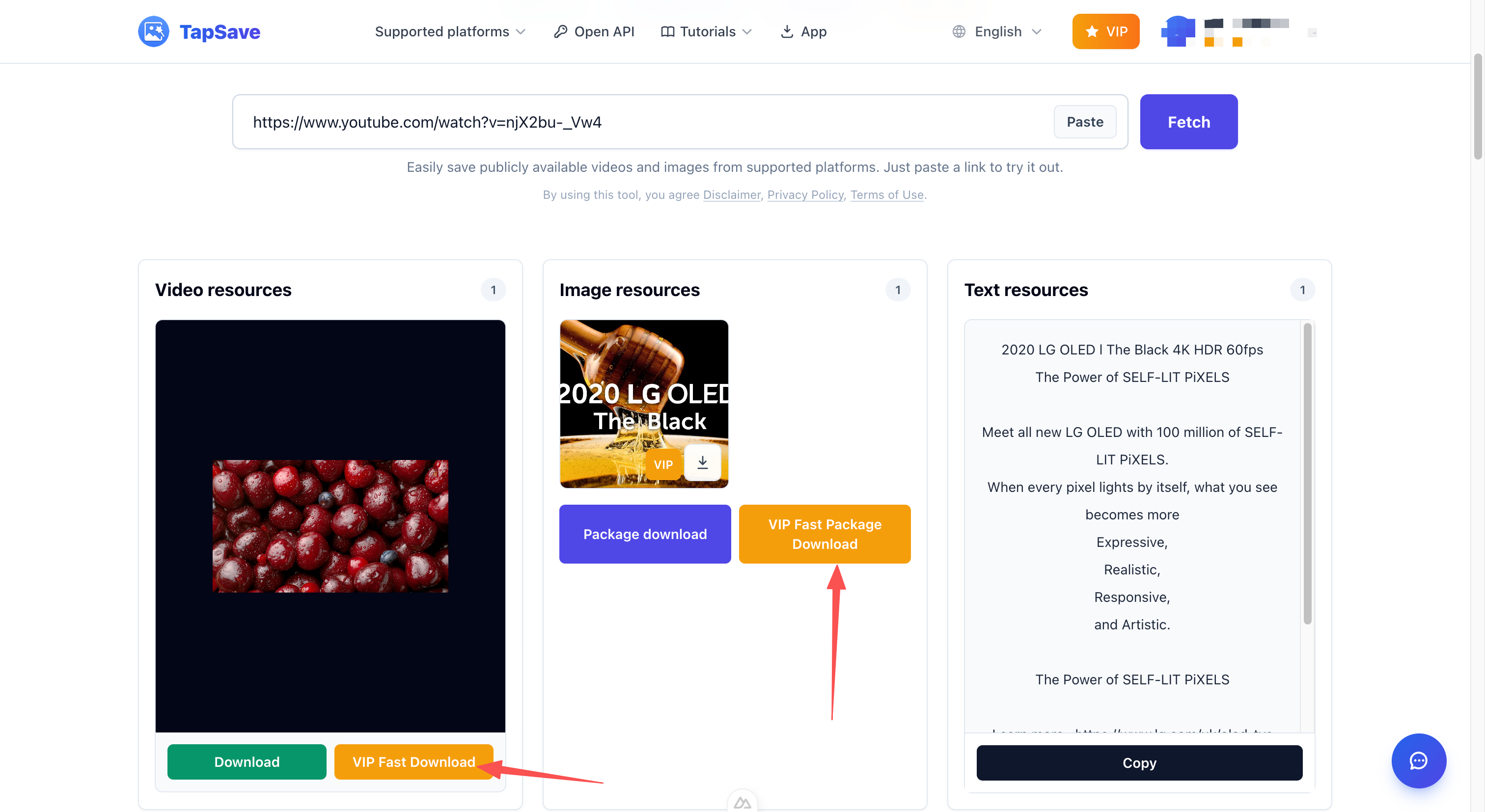
Use VIP Fast Download for an eligible X video or VIP Fast Package Download for a multi-image post.
X (Twitter) Download Slow? Use VIP Fast Download
An X post can contain a short clip, a large video, or an image thread with several attachments. If the standard download feels slow after parsing a public post, eligible VIP members can select VIP Fast Download for the chosen video. For a post with several downloadable images, VIP Fast Package Download keeps the gallery in one download action.
Match the button to the post
- Use VIP Fast Download for the video resource you want from the post.
- Use VIP Fast Package Download when the parsed post has multiple images to save together.
Steps
- Copy the public X post URL.
- Paste it into TapSave X Downloader and select Fetch.
- Review the video and image cards shown by the parser.
- Choose the relevant VIP button and confirm the browser download.
VIP access and the resulting resource depend on the account and the public post.
Continue with TapSave
Open the matching downloader or continue with a related browser tool.
More Tutorials
X (Twitter) videos and images Open API Integration Guide
Use the TapSave Open API to parse a public X (Twitter) videos and images link and handle the returned media resources in your application.
X (Twitter)How to download X (Twitter) videos: Step-by-Step Guide
Learn how to download public X (Twitter) videos content with TapSave, what to check before downloading, and why available results can vary.
X (Twitter)How to save X (Twitter) images: Step-by-Step Guide
Learn how to save public X (Twitter) images content with TapSave, what to check before downloading, and why available results can vary.
TutorialDouyin Download Slow? Use VIP Fast Download
Use VIP Fast Download for an eligible Douyin video or VIP Fast Package Download for a photo collection.