How to Download Kuaishou Videos Without Watermark (Free Guide)
Complete tutorial: Download Kuaishou videos in HD quality without watermark using TapSave. Works on Android, iPhone and PC. No registration required.
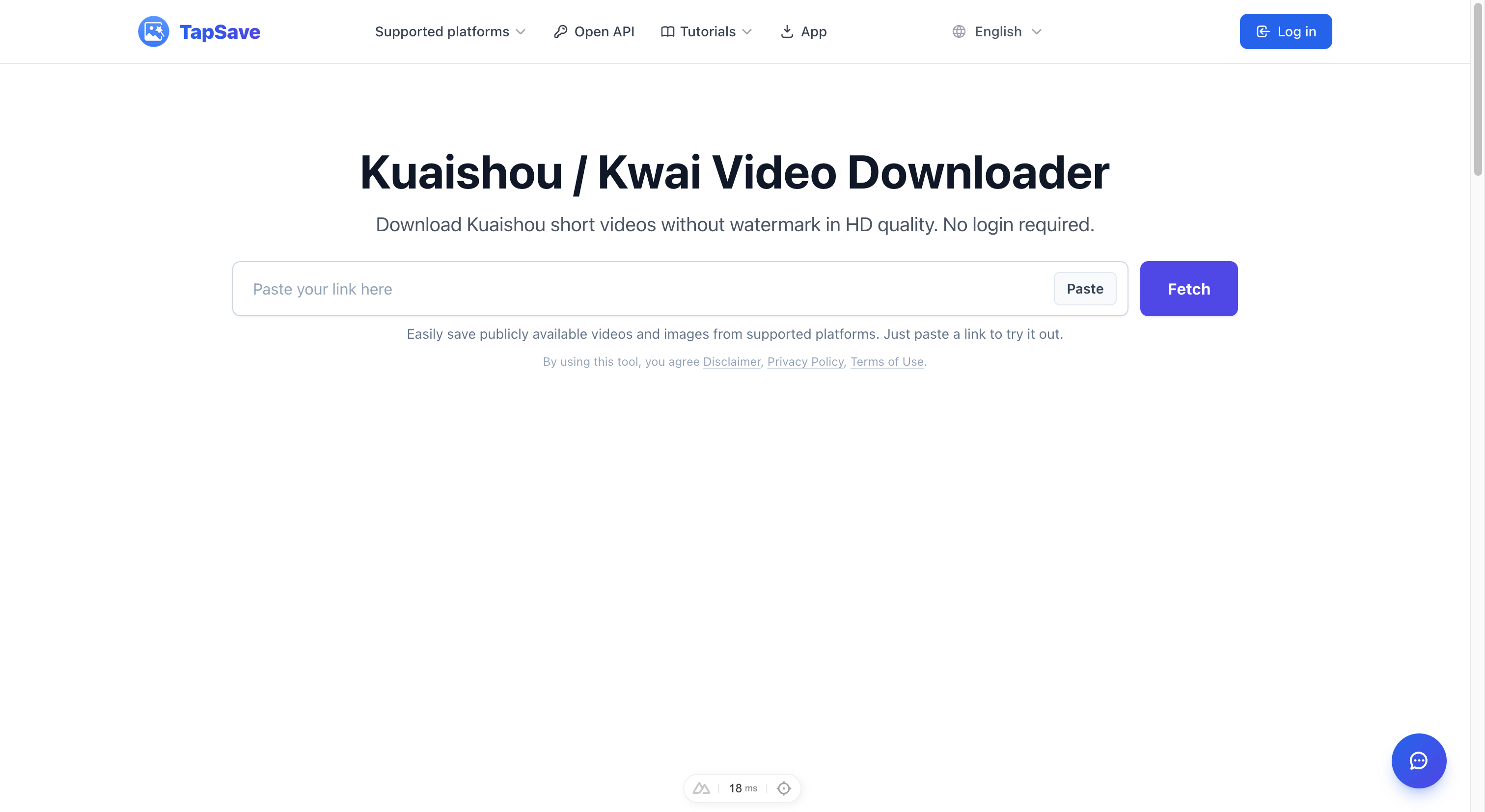
How to Download Kuaishou Videos Without Watermark
Just like Douyin, videos saved directly from Kuaishou app come with visible watermarks. This guide shows you how to use TapSave to download original Kuaishou videos in HD quality without any watermark.
Why Remove Kuaishou Watermark?
Videos saved through the Kuaishou app contain account watermarks that affect visual quality and make repurposing difficult. TapSave downloads the true original unwatermarked version with full quality intact.
Step-by-Step Tutorial
Step 1: Copy the Kuaishou Video Link
On Mobile:
- Open the Kuaishou app and find your target video
- Tap the Share button (arrow icon)
- Select Copy Link
On Desktop:
- Open the Kuaishou video page in your browser
- Click the share button
- Choose Copy Link
Step 2: Use TapSave to Download
- Open TapSave Kuaishou Download Page
- Paste the copied link into the input box
- Click the Get button
Step 3: Save the Video
Once parsing completes, you'll see:
- Watermark-free MP4 — Original HD video file
- Cover Image — High-resolution video thumbnail
Click the Download button to save to your device.
Supported Content Types
| Content Type | Support Status |
|---|---|
| Regular Short Videos | ✅ Fully Supported |
| Live Replays | ✅ Fully Supported |
| Nearby Videos | ✅ Fully Supported |
| Private Videos | ❌ Requires Public Access |
FAQ
Q: Is Kuaishou video download free?
A: Completely free. No account registration required.
Q: Where are downloaded videos saved?
A: Usually in your browser's download folder or phone's photo gallery.
Q: Does it work on iOS?
A: Yes! Both iPhone and iPad work with Safari or Chrome browser.
Try it now: Visit the Kuaishou Video Download Page and paste your first link!
Continue with TapSave
Open the matching downloader or continue with a related browser tool.
More Tutorials
Kuaishou Download Slow? Use VIP Fast Download
Use VIP Fast Download for an eligible Kuaishou video or VIP Fast Package Download for a photo-based work.
Kuaishou / KwaiKuaishou / Kwai videos Open API Integration Guide
Use the TapSave Open API to parse a public Kuaishou / Kwai videos link and handle the returned media resources in your application.
Kuaishou / KwaiHow to download Kuaishou / Kwai videos on a phone: Step-by-Step Guide
Learn how to download public Kuaishou / Kwai videos on a phone content with TapSave, what to check before downloading, and why available results can vary.
TutorialHow to download Douyin videos: Step-by-Step Guide
Learn how to download public Douyin videos content with TapSave, what to check before downloading, and why available results can vary.