How to save Xiaohongshu (RedNote) videos and photos: Step-by-Step Guide
Learn how to save public Xiaohongshu (RedNote) videos and photos content with TapSave, what to check before downloading, and why available results can vary.
How to save Xiaohongshu (RedNote) videos and photos: Step-by-Step Guide
This guide explains how to save public Xiaohongshu (RedNote) videos and photos content with TapSave. It is intended for content you own or are allowed to save.
Steps
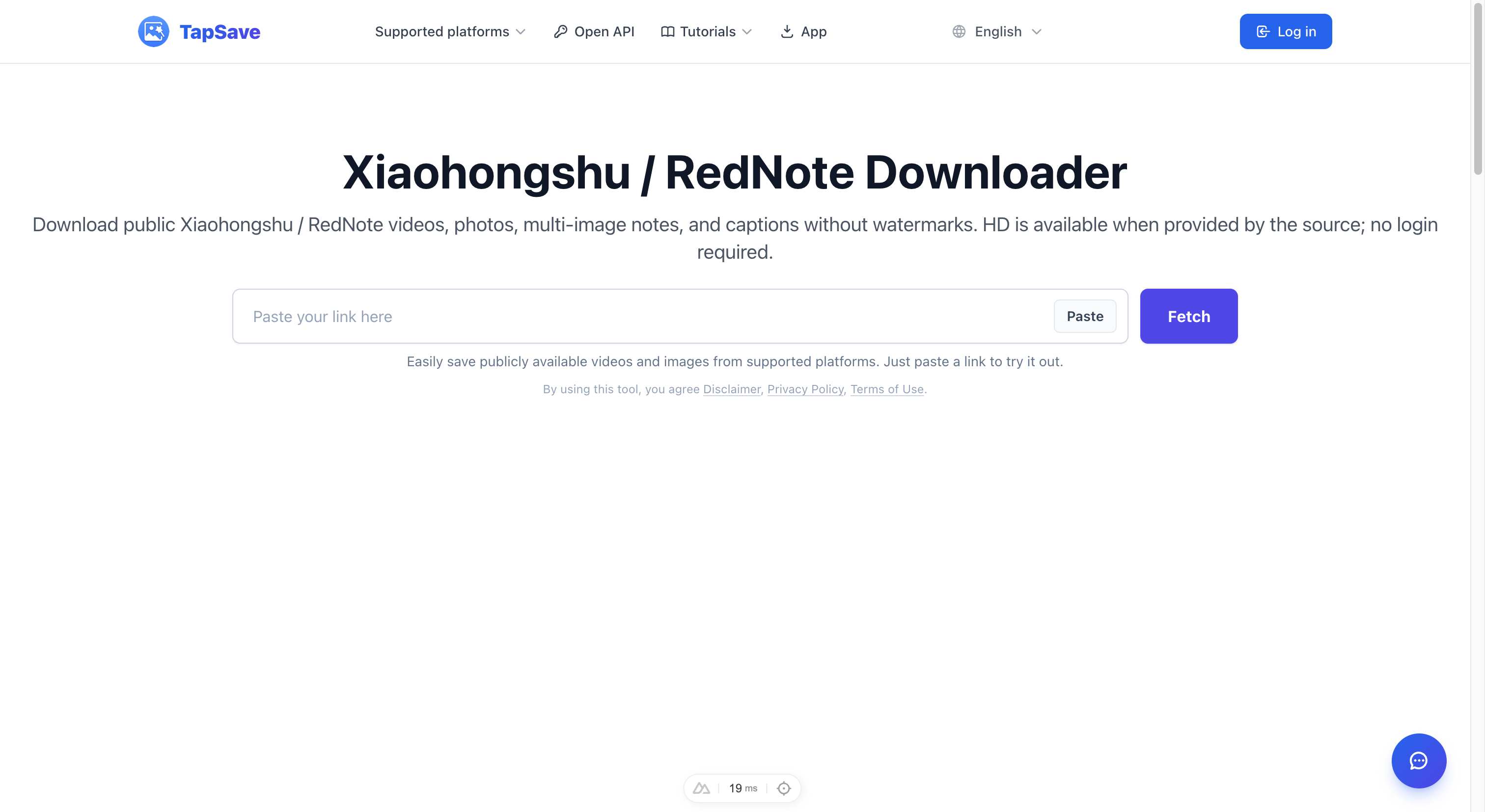
- Copy the public post or video link from the platform’s Share menu.
- Open the TapSave downloader, paste the complete link, and start parsing. TapSave only shows media options that are currently returned for that public link.
- Choose an option that is available in the result, then save the file and play or open it once to confirm it works on your device.
Before you download
Do not assume that a format label, resolution, or filename guarantees a particular result. Availability can change because of the source post, region, rights restrictions, or platform changes.
Availability and rights
Private, deleted, restricted, or unavailable content cannot be guaranteed. Respect copyright and the platform’s applicable rules. Start with the TapSave downloader.
Continue with TapSave
Open the matching downloader or continue with a related browser tool.
More Tutorials
How to Download Xiaohongshu (RED) Photos and Videos Free
Complete guide: Download Xiaohongshu (RED) notes, photos and videos in HD quality without watermark using TapSave. Works on mobile and desktop.
Xiaohongshu / RedNoteXiaohongshu Download Slow? Use VIP Fast Download
Use VIP Fast Download for a Xiaohongshu video note or VIP Fast Package Download for an eligible photo note.
Xiaohongshu / RedNoteXiaohongshu / RedNote notes Open API Integration Guide
Use the TapSave Open API to parse a public Xiaohongshu / RedNote notes link and handle the returned media resources in your application.
TutorialHow to download Douyin videos: Step-by-Step Guide
Learn how to download public Douyin videos content with TapSave, what to check before downloading, and why available results can vary.